Speeding up playback in Blender VSE
One of the most common video editing techniques is speeding up – when we need to quickly “scroll” a fairly large period of time on the screen. This is easy to do in Blender in the Video Sequencer Editor (VSE).
We can programmatically add various types of strips – video, audio, images, and image sequences to the Video Sequence Editor with the Blender Python API.
Adding strips to the Blender Video Sequencer EditorRead More »
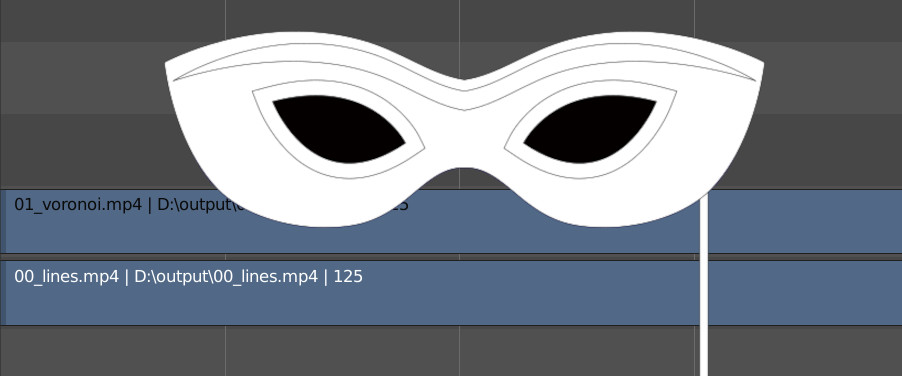
Most video formats don’t have a built-in transparency channel, so the black and white mask – a separate video file that determines how one video will be blended on another, can be used for blending such videos.
The Blender Python API can be very useful not only for working with meshes or nodes but also when editing video files in the Video Sequence Editor.
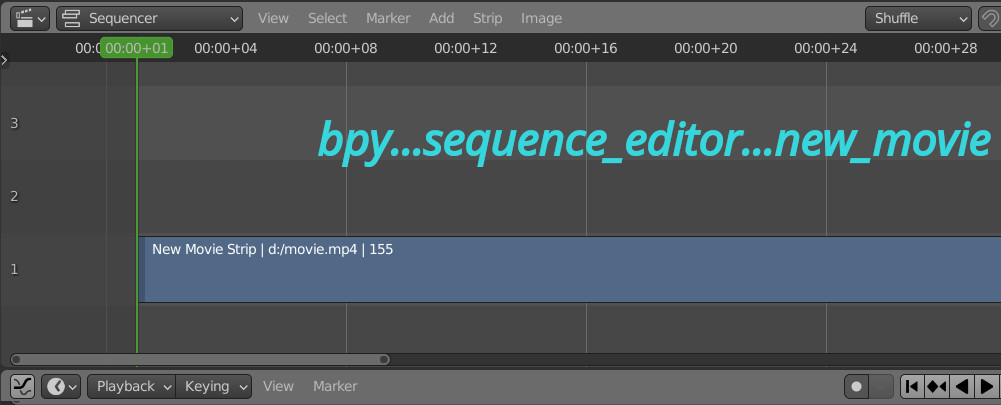
Adding video strip to the VSE sequencer with Blender Python APIRead More »