Respectzanne

When we assign or change the name of an object in Blender, we work at the object level. However, all objects also have a data block – a pointer to the actual object data, which also have names. The name of the data block can be seen by clicking on the corner arrow to the left of the object name in the outliner.
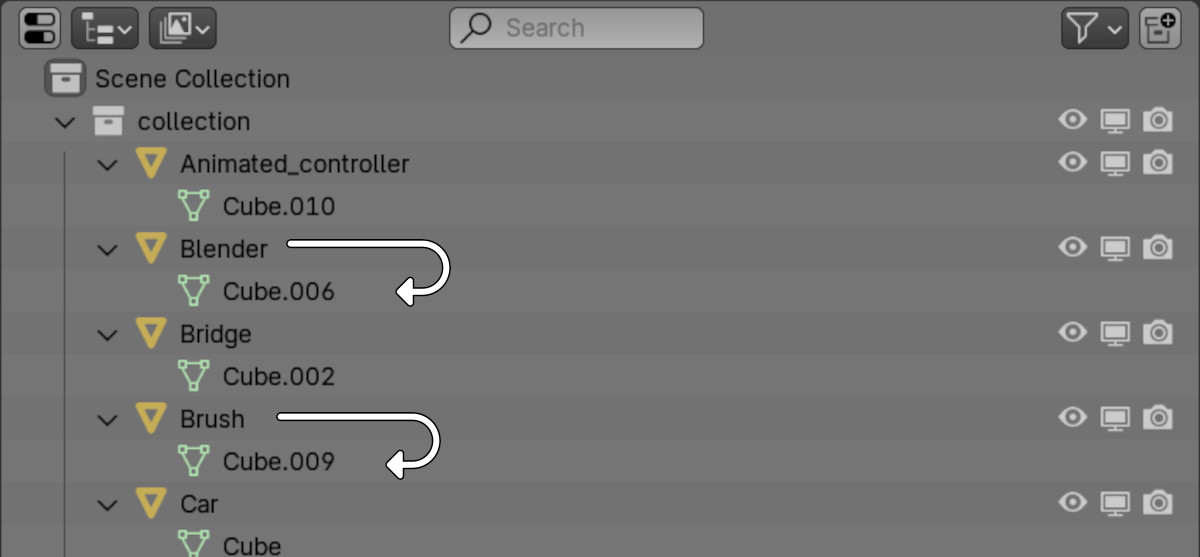
Quickly renaming data blocks to match object names in BlenderRead More »
Creating procedural icy snow material in Blender by Ryan King Art.
When we work with the bmesh object through the Blender Python API to create new geometry, all created vertices receive an index equal to -1. Although we can fully interact and control the created vertices, the lack of a numbered index can make it somewhat difficult to perceive the geometry and debug the code.
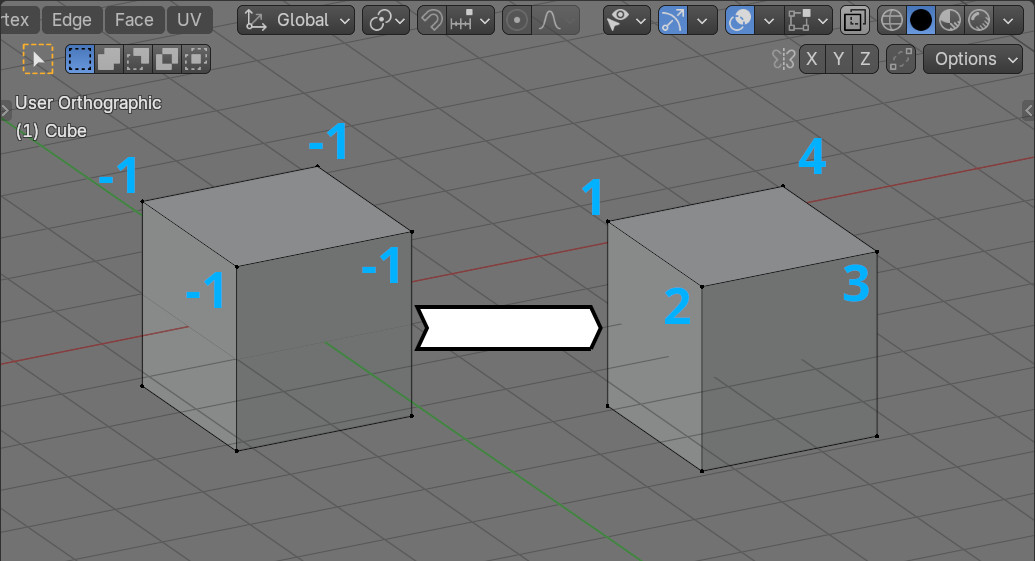
Assigning real indices to vertices created in bmeshRead More »
In most cases, UV elements (vertices, edges, faces, islands) can be freely moved anywhere in the UV Edit area. However, sometimes it is undesirable to move the UV beyond the boundaries of the base UV borders, for example, to ensure that the UV does not “move away” when baking it into atlases.
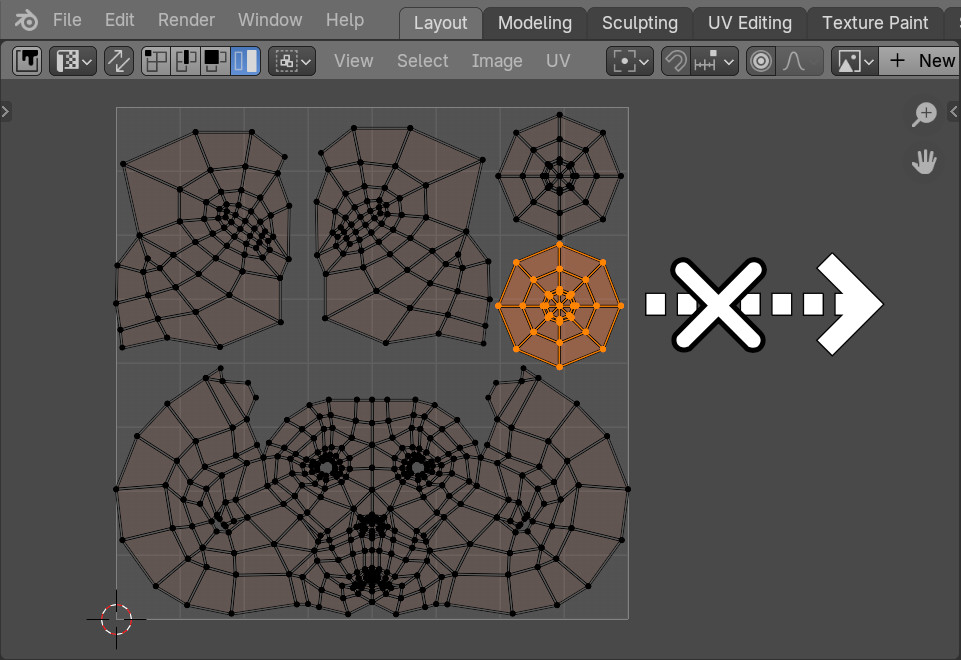
Blocking the UV elements from moving beyond the UV area boundariesRead More »
Creating procedural grippy knurled material in Blender by Ryan King Art.
When defining custom operators in Blender, we can make them cancellable and uncancellable by specifying the “UNDO” value in the “bl_options” parameter of the operator. But what if we need to exclude an existing operator, for example, a system operator, from the undo queue? This is very easy to do by redefining the operator with our own, without specifying “UNDO” in its parameters.
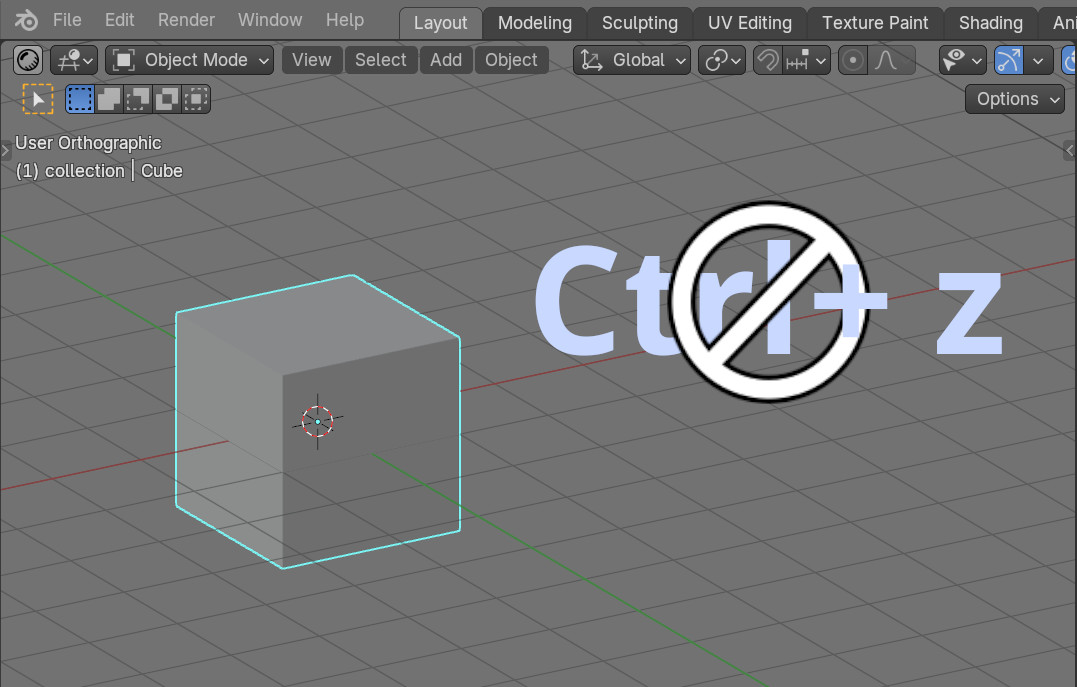
Making a cancellable operator in Blender uncancellableRead More »
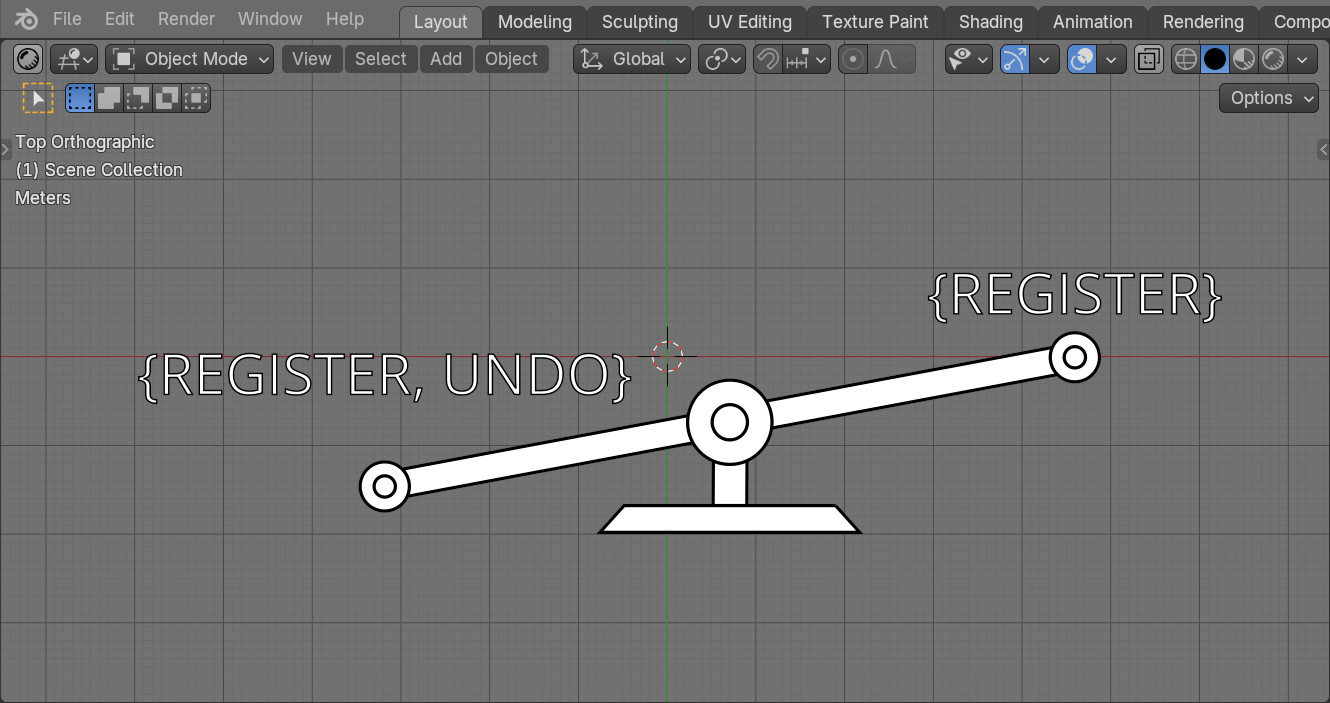
Defining operators, we most often provide for the ability to undo the action they performed – if after executing the operator the user presses the Ctrl + z key combination, all the effects of the operator on the scene should be canceled. However, in some cases, it may be necessary to define an operator that will be ignored if the user tries to undo its actions. Blender’s API allows us to create both types of operators by simply specifying the ability or prohibition of undo in their parameters.

 .blend file on Patreon